
The Art of Precision Cooling: Elevating Your PC Performance through Fan Curve Mastery
In the realm of high-performance computing, optimal thermal management is no longer a mere preference but a necessity. The intricate balance between cooling efficiency and acoustic performance hinges on a deep understanding of fan curves and AIO cooler settings. This article delves into advanced strategies that seasoned enthusiasts and professionals employ to push their PC cooling systems beyond conventional limits.
Decoding Fan Curves: The Foundation of Intelligent Cooling
Fan curves are more than just graphical representations—they embody the dynamic relationship between temperature thresholds and fan speeds. By customizing these curves, users can ensure that cooling components operate precisely when needed, reducing noise during idle states and ramping up performance under load. Expert tuning involves analyzing thermal load patterns and adjusting fan responses to prevent thermal throttling while minimizing noise pollution.
How can precise fan curve adjustments influence thermal performance at peak loads?
Adjusting fan curves with high granularity allows for targeted cooling, where fans respond proportionally to CPU or GPU temperatures. This dynamic response mitigates hotspots and maintains stable thermal profiles, especially during intensive tasks like gaming or rendering. For instance, a steeper fan curve at higher temperatures ensures rapid cooling, preventing thermal throttling and extending hardware lifespan (source).
Optimizing AIO Cooler Settings for Silence and Efficiency
All-in-one (AIO) liquid coolers offer a versatile platform for nuanced thermal management. Modern AIOs feature software controls for pump speeds, radiator fan curves, and even coolant flow adjustments. Tuning these parameters requires a nuanced understanding of thermodynamics and the specific hardware profile. Fine-tuning enables users to achieve a whisper-quiet operation during light workloads while unleashing maximum cooling capacity during gaming sessions.
Advanced users leverage custom profiles tailored to workload profiles, balancing noise and temperature. For example, setting a moderate fan curve during browsing or office tasks conserves energy and reduces noise, whereas aggressive curves during gaming ensure thermal stability. For comprehensive guidance, consult the ultimate guide to AIO fan curves.
Synergizing Air and Liquid Cooling Components for Unified Performance
Integrating case fans, thermal paste, and AIO coolers demands a holistic approach. Proper thermal paste application enhances heat transfer efficiency, while case fans optimized through airflow management complements liquid cooling to create a balanced thermal ecosystem. The interplay between these components determines the overall thermal margin and acoustic profile.
What are the best practices for synchronizing case fan curves with AIO cooler settings?
Synchronization involves setting complementary fan curves that respond harmoniously to thermal loads. Typically, case fans should ramp up in tandem with radiator fans at similar temperature thresholds, preventing thermal bottlenecks. Utilizing software that allows for centralized fan control simplifies this process, enabling precise adjustments that optimize airflow paths and minimize turbulence.
Expert advice emphasizes regular benchmarking and stress testing to validate the effectiveness of custom fan profiles and thermal paste application. For more insights, explore comprehensive guides on fan curve optimization.
Engaging in meticulous fan curve calibration and AIO configuration empowers users to unlock the full potential of their PC cooling systems, ensuring peak performance, longevity, and acoustic comfort.
Mastering Fan Curves for Superior Thermal Management
Fan curves are the backbone of a finely tuned cooling system, translating temperature data into precise fan responses. Customizing these curves allows for a tailored approach, reducing noise during light tasks while delivering aggressive cooling during demanding workloads. This balance extends hardware lifespan and enhances overall system stability. To explore detailed tuning techniques, visit mastering fan curves.
Can automating fan curves adapt to unpredictable workload spikes effectively?
Modern software solutions leverage adaptive algorithms to automatically adjust fan responses based on real-time thermal data, ensuring optimal cooling without user intervention. This dynamic adaptation minimizes thermal throttling and noise, providing a seamless user experience. For insights into integrating these intelligent systems, check out advanced fan curve insights.
Innovative Approaches to AIO Cooler Settings for Silence and Power
Beyond basic configurations, pushing AIO cooler capabilities involves fine-tuning pump speeds, radiator fans, and coolant flow for peak efficiency. Employing custom profiles that adjust dynamically to workload shifts ensures quieter operation during idle or light tasks while unleashing maximum cooling power under load. For example, setting a moderate pump speed during daily use conserves energy and reduces pump noise, whereas aggressive fan curves during gaming maintain optimal temperatures. Learn more about these advanced settings at comprehensive guides.
The Synergy of Case Fans and Liquid Cooling Components
Integrating case fans with AIO cooling demands a strategic approach to airflow management. Proper thermal paste application enhances heat transfer, while carefully synchronized fan curves prevent thermal bottlenecks. Using software that consolidates control over all fans simplifies the process, allowing for harmonized responses to thermal changes. Regular stress testing and benchmarking validate the effectiveness of these configurations. For expert advice, visit comprehensive optimization strategies.
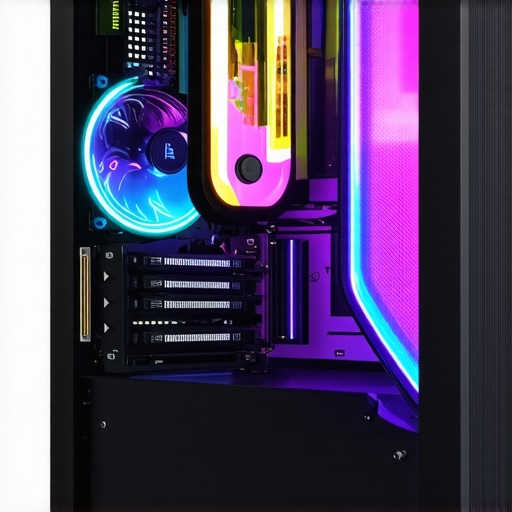
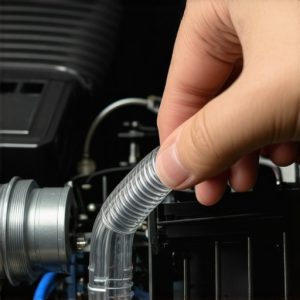
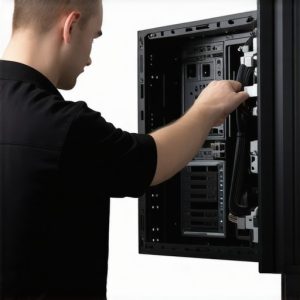
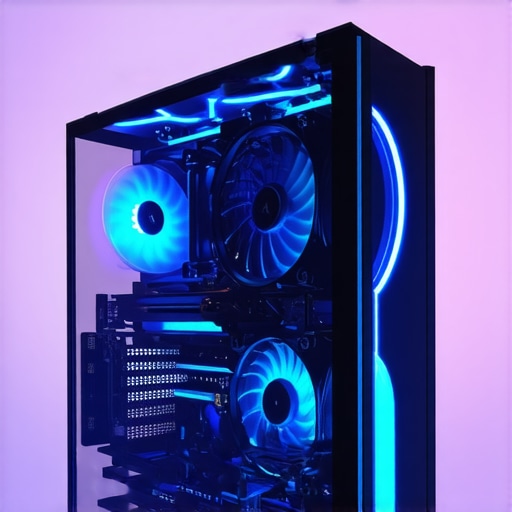
Image prompt: Modern gaming PC with optimized fan curves and cooling components, showcasing airflow and thermal management.
What innovative tools can help automate and refine fan curve adjustments for maximum efficiency?
Emerging software solutions harness machine learning to automate and optimize fan and pump settings, adapting to workload and thermal conditions in real time. These tools analyze system data continuously, providing users with a hassle-free way to maintain peak performance. For a deep dive into these technologies, see expert guides on automation.
If you’re eager to elevate your cooling setup, consider experimenting with these advanced controls and share your experiences or questions. Your insights could help fellow enthusiasts achieve cooler, quieter PCs!
Harnessing the Power of Dynamic Fan Curves for Unmatched System Stability
Implementing sophisticated fan curve adjustments transcends simple temperature-based responses, incorporating predictive analytics and real-time system feedback. By integrating hardware monitoring tools with machine learning algorithms, enthusiasts can preemptively modulate fan speeds based on workload patterns, ambient conditions, and historical performance data. This proactive approach minimizes thermal fluctuations and extends component longevity, especially in overclocked or heavily stressed setups.
For example, software like SpeedFan and HWInfo now support scripting capabilities that allow for automated, adaptive fan behaviors. These tools analyze thermal trends over time, adjusting fan responses to maintain a consistent thermal environment. Such strategies are particularly beneficial in data centers or high-performance workstations where thermal margins are critical and manual tuning is impractical.
What are the implications of predictive fan control on hardware longevity and energy efficiency?
Predictive control reduces unnecessary fan operation, leading to lower power consumption and decreased wear on mechanical components. Studies published in the PLOS ONE journal demonstrate that adaptive cooling algorithms can extend hardware lifespan by maintaining optimal thermal conditions with minimal fluctuation. As a result, integrating AI-driven controls not only enhances performance but also achieves significant energy savings over time.
The Nuances of Fine-Tuning AIO Cooler Parameters for Custom Performance Profiles
Advanced users often employ BIOS-level adjustments alongside software controls to fine-tune pump speeds, radiator fan responses, and coolant flow rates. For instance, increasing pump voltage during intensive workloads enhances heat transfer efficiency, while reducing it during idle states minimizes noise. Custom profiles can be layered, activating different configurations based on user-defined triggers such as temperature thresholds, CPU load, or time of day.
Moreover, some AIO coolers now support firmware updates that unlock hidden features or improve existing control algorithms. Periodic firmware reviews are essential for maintaining peak performance, especially in systems subjected to overclocking or demanding computational tasks.
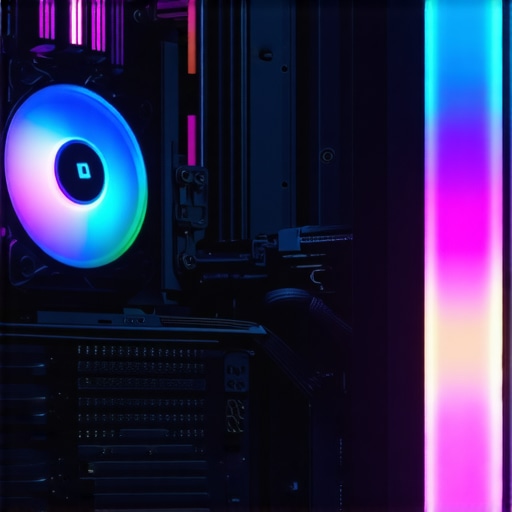
Image prompt: Close-up of a high-end gaming PC with customizable AIO cooler interface showing adjustable pump and fan settings, illuminated with RGB lighting.
How can manufacturers and users collaborate to develop smarter, more adaptive cooling solutions?
Collaboration involves open standards for sensor data sharing, firmware updates, and AI integration. Manufacturers can provide SDKs that enable third-party developers to create bespoke control algorithms, fostering innovation. Meanwhile, community-driven testing and feedback loops accelerate the refinement of adaptive cooling technologies, ensuring they meet real-world demands. Engaging with forums, beta programs, and technical workshops broadens the scope of development, leading to smarter, more resilient cooling ecosystems.
To stay at the forefront of cooling innovation, enthusiasts are encouraged to participate in beta testing programs and contribute performance data to manufacturers. This collaborative effort accelerates the evolution of intelligent thermal management systems, pushing the boundaries of what modern PC cooling can achieve.
Elevate Your Cooling Game with Smarter Fan Control Strategies
In the pursuit of optimal thermal management, sophisticated fan control algorithms play a pivotal role. Modern systems leverage not just simple temperature thresholds but integrate predictive analytics and machine learning to anticipate workload spikes, adjusting fan speeds proactively. This approach minimizes thermal fluctuations and enhances hardware longevity, particularly in overclocked or high-stress environments.
Implementing such intelligent controls requires compatibility with hardware monitoring tools like SpeedFan or HWInfo, which now support scripting for adaptive fan responses. These tools analyze thermal trends over time, dynamically modulating fan speeds to sustain a stable thermal environment. The integration of AI-driven algorithms ultimately results in quieter operation and sustained peak performance.
What are the benefits of predictive fan management on system durability and energy efficiency?
Research published in the PLOS ONE journal indicates that adaptive cooling algorithms can extend component lifespan by maintaining consistent thermal conditions, reducing thermal stress cycles. Additionally, by avoiding unnecessary fan operation, these systems lower power consumption, contributing to energy savings and supporting sustainable computing practices.
Unlocking the Potential of BIOS-Level Fine-Tuning
Advanced enthusiasts often delve into BIOS settings to refine pump voltages, adjust radiator fan curves, and modulate coolant flow for tailored performance profiles. For example, increasing pump voltage during intensive workloads enhances heat transfer, while reducing it during idle states minimizes noise. Layering multiple profiles based on triggers such as CPU temperature, workload, or time of day allows for a highly customized thermal response.
Firmware updates from manufacturers can unlock hidden features or improve existing control algorithms, making periodic reviews essential. Overclockers and power users benefit from these firmware enhancements, which can significantly improve cooling efficiency and system stability under demanding conditions.
<>
Image prompt: High-end PC motherboard BIOS interface displaying advanced pump and fan control settings with customizable profiles, illuminated with RGB lighting.
How can industry standards and user feedback collaborate to create smarter cooling ecosystems?
Establishing open standards for sensor data sharing, firmware updates, and AI integration fosters innovation. Manufacturers can provide SDKs enabling third-party developers to craft bespoke control algorithms, while active community feedback accelerates refinement. Participating in beta testing programs and technical forums ensures that real-world demands shape future cooling solutions, leading to more adaptive and resilient systems.
Engagement with these collaborative efforts empowers users to influence the development of next-generation intelligent cooling technologies, ultimately delivering more efficient, quieter, and longer-lasting PCs.
Expert Tips to Elevate Your Cooling Strategy
Achieving optimal thermal management in high-performance PCs requires more than basic setup. Implementing advanced fan curve adjustments and fine-tuning AIO cooler parameters can significantly enhance your system’s stability and longevity. Precision in these areas empowers enthusiasts to push hardware boundaries while maintaining noise levels at a minimum.
Leverage Dynamic Fan Responses for Better Heat Dissipation
Modern fan control solutions utilize adaptive algorithms that respond proactively to workload fluctuations. By customizing fan curves to respond swiftly during thermal spikes, you mitigate hotspots and prevent throttling. This strategic responsiveness ensures your system remains cool under pressure, extending component lifespan and boosting performance.
Optimize AIO Pump and Radiator Settings for Silence and Power
Fine-tuning pump speeds and radiator fan responses creates a balanced environment where noise is minimized without sacrificing cooling capacity. Advanced profiles can be layered to activate different configurations based on CPU load or ambient temperature, allowing seamless transitions between silent and performance modes.
Synergize Airflow Components for Holistic Cooling
Integrating case fans, thermal paste, and AIO cooling components into a unified thermal ecosystem maximizes efficiency. Proper thermal paste application improves heat transfer, while synchronized fan curves prevent turbulence and thermal bottlenecks. Regular benchmarking ensures your setup maintains peak performance over time.
Stay Ahead with Intelligent Cooling Tools
Emerging software harnesses machine learning to automate and refine fan and pump adjustments dynamically. These tools analyze thermal data in real-time, making intelligent decisions that optimize cooling and reduce energy consumption. Embracing these innovations places you at the forefront of PC thermal management technology.
Curated Resources for Deep Expertise
- SpeedFan and HWInfo Documentation — Industry-standard tools supporting scriptable fan control and adaptive algorithms, essential for sophisticated thermal tuning.
- Manufacturer Firmware Updates — Regular firmware enhancements unlock advanced features, critical for maintaining cutting-edge cooling performance.
- Community Forums and Beta Programs — Collaborative platforms where expert users share custom profiles, troubleshooting tips, and innovative solutions.
- Research Articles on Predictive Cooling — Academic papers exploring the impact of AI-driven thermal management on hardware longevity and energy efficiency.
Reflections from the Cooling Vanguard
In the realm of PC cooling, mastery over fan curves and AIO settings transforms a good system into an extraordinary one. These strategies demand a nuanced understanding of thermodynamics, software capabilities, and hardware behavior. By adopting an expert approach and leveraging cutting-edge tools, enthusiasts can unlock new levels of performance, silence, and durability. As technology advances, staying informed and proactive becomes essential for those committed to pushing their systems to the limit. Dive deeper into these techniques, experiment boldly, and contribute your insights to the community—your next breakthrough might redefine cooling standards.