
Intelligent Airflow Design: The Foundation of Optimal PC Cooling
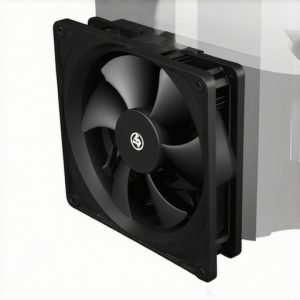
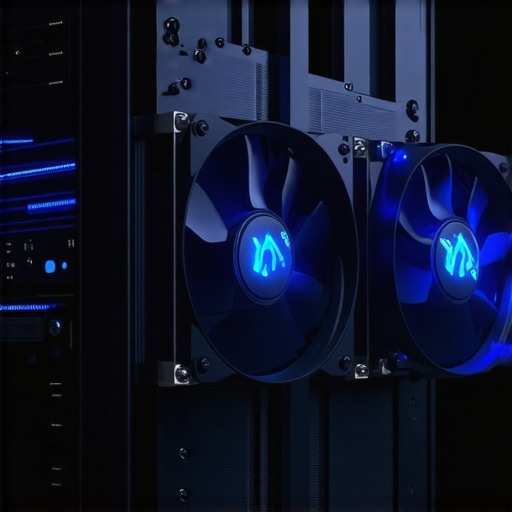
In the realm of high-performance computing, the intricacies of case fan configurations and air circulation patterns profoundly impact system stability and thermal longevity. As seasoned professionals recognize, intentional airflow pathways coupled with strategic placement of intake and exhaust fans can substantially reduce thermal hotspots. Effective airflow optimization relies on balancing static and dynamic pressure, especially when integrating high-static-pressure case fans within complex chassis architectures.
High-Efficiency Cooling Components: Beyond the Basics
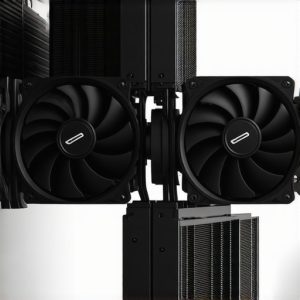
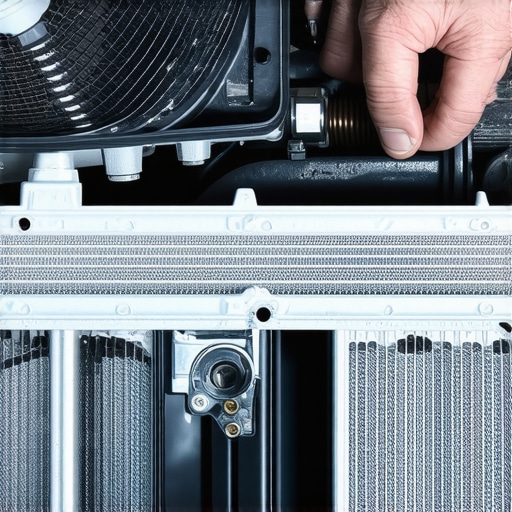
The evolution from traditional air cooling to sophisticated single or multi-radiator AIO coolers emphasizes the importance of component harmonization. Modern air coolers leverage modular heat sink designs, improved fin geometries, and optimized fan orientation to target CPU heat dissipation more directly. When selecting AIO coolers, considerations extend beyond nominal TDP ratings, encompassing radiator dimensions, fin density, and pump noise characteristics—elements critical for silent operation and sustained performance.
Thermal Paste Performance: The Understated Critical Layer
Over the last decade, the refinement of thermal paste application methods has evolved from mediocre compound spreads to precision engineering solutions. The debate between pea-dot, linear, and spread techniques underscores the necessity for consistent contact interface and optimal thermal conductivity. High-viscosity or carbon-fiber-enhanced compounds demonstrate superior long-term stability, ensuring minimal pumping out during high-load scenarios and maintaining low thermal resistance.
Addressing Complex Challenges in PC Cooling Systems
Issues such as fan whine, pump cavitation, and uneven temperature distribution often perplex even expert builders. Investigations into resonant vibrations caused by low-quality mounting brackets or resonance from poorly isolated fans reveal nuances that significantly affect noise profiles. Implementing shroud modifications or vibration dampeners can lead to substantial sound reduction, improving overall user experience.
How can I ensure my thermal interface remains effective over prolonged intensive workloads?
Maintaining thermal transfer efficacy requires routine inspection of thermal paste integrity, adherence to proper application techniques, and monitoring system temperatures under load conditions. Upgrading to higher viscosity compounds or implementing advanced thermal interface materials can greatly enhance heat conduction, especially for overclocked CPUs or GPUs.
For advanced guidance on selecting silent and efficient AIO coolers or troubleshooting persistent noise issues, exploring dedicated expert content is highly recommended. Sharing insights and experiences within professional communities fosters innovation and helps refine cutting-edge cooling solutions.
Innovative Mounting Techniques: How Positioning Transforms Cooling Efficiency
Beyond standard installation procedures, experimenting with fan and cooler placement can unlock substantial thermal benefits. For example, reverse airflow configurations or diagonally mounting fans may challenge traditional wisdom but can reduce turbulence and improve static pressure, especially in tightly packed cases. For a comprehensive approach, consider the insights from industry-leading mounting techniques that optimize contact and minimize vibration-induced performance drops.
Monitoring Tools and Real-Time Data: Making Data-Driven Cooling Adjustments
In the era of smart hardware, leveraging monitoring software provides critical visibility into temperature fluctuations, fan speed dynamics, and pump health. Integrating this data with thermal models allows for on-the-fly adjustments, such as dynamic fan curves or adaptive pump speeds, leading to more responsive cooling strategies. Experts recommend tools like HWMonitor or AIDA64 to track real-time metrics and identify potential hotspots before they escalate into system failures.
Could strategic airflow modulation prevent thermal bottlenecks in multi-GPU setups?
Indeed, coordinated fan control across multiple GPUs and radiators can minimize turbulence and airflow dead zones. Configuring complementary fan speeds and ensuring proper shroud design harmonizes the entire cooling ecosystem. Such synergy not only improves thermal management but also reduces noise levels, fostering a more pleasant user experience. To deepen your understanding, review the latest research on airflow synergy in complex configurations, which emphasizes the importance of holistic design over isolated component upgrades.
If you’re eager to implement these advanced techniques, sharing your experiences or asking for personalized advice can foster community growth. Consider joining professional forums or contact experts directly through our contact page.
Optimizing Multi-Channel Temperature Management for Complex Systems
As PC configurations grow increasingly sophisticated, managing thermal profiles across multiple components demands a nuanced approach that transcends standard airflow strategies. Implementing multi-zone cooling involves segmenting airflow paths to target CPUs, GPUs, VRMs, and memory modules independently, ensuring each subsystem receives tailored cooling. This methodology minimizes thermal spillover and hotspots, thereby extending component lifespan and maintaining stable overclocking conditions. Integrating sensors within each zone and employing advanced fan curve algorithms allows for real-time, adaptive adjustments, optimizing thermal conditions dynamically during intensive workloads.
Venturing into Liquid Cooling: The Challenges of Scalability and Reliability
Transitioning from air to liquid cooling introduces a host of complexities, particularly when scaling systems for advanced users. Custom loop builders must consider intricate coolant flow dynamics, reservoir management, and component compatibility. Achieving uniform temperature distribution in multi-radiator setups necessitates precise pump selection and configuration, alongside strategic component placement to prevent flow restrictions. Furthermore, ensuring system redundancy through dual-pump arrangements reduces the risk of pump failure jeopardizing the entire cooling loop, thereby bolstering reliability under sustained high loads.
What are the implications of fluid dynamics principles on custom water loop efficiency, and how can practitioners leverage CFD tools for design optimization?
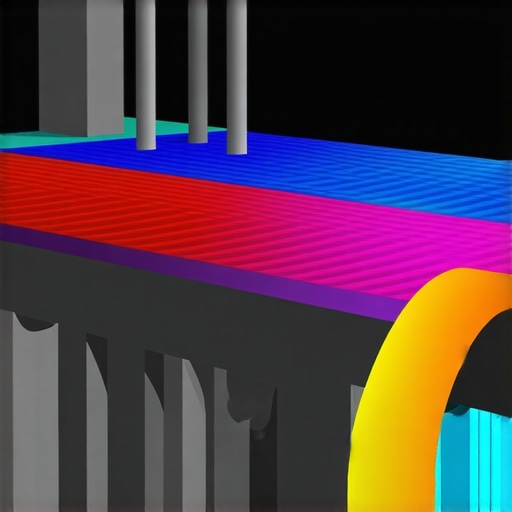
Understanding the principles of fluid mechanics—laminar versus turbulent flow regimes, pressure drops, and Reynolds number calculations—enables experts to tailor loop designs for minimal resistance and maximal heat transfer. Computational Fluid Dynamics (CFD) simulations serve as invaluable assets, allowing for visualizing coolant pathways, predicting flow disturbances, and optimizing radiator placement before physical implementation. High-fidelity CFD models, derived from industry-standard software like ANSYS Fluent or OpenFOAM, facilitate iterative testing of proposed layouts, identifying potential stagnation zones or turbulence hotspots. This proactive approach minimizes trial-and-error, enhances cooling efficacy, and reduces material costs in custom loop construction.
Engaging with CFD-driven design principles empowers enthusiasts and professionals alike to craft bespoke cooling solutions that push system boundaries while maintaining operational stability. Dare to experiment with these advanced methodologies—your high-performance build may depend on it. For practical insights and community-driven case studies, explore specialized forums or consider consulting with thermal fluid mechanics experts to elevate your cooling game.
Unearthing the Hidden Impact of Ambient Conditions on High-Performance Cooling
While component-level optimization is crucial, the influence of ambient temperature and airflow within the surrounding environment cannot be overstated. Professionals understand that even the most meticulously designed cooling systems falter if external conditions fluctuate. Strategies such as temperature-controlled case placement, active airflow management in server rooms, and utilizing thermally insulated enclosures can significantly enhance overall thermal stability. Recognizing the subtle yet profound effects of external humidity, airflow turbulence, and room ventilation provides a holistic path to creating resilient, high-precision cooling ecosystems.
Leveraging Dynamic Fan Profiling to Preempt Thermal Spikes
Static fan curves often fall short during unpredictable load surges. Integrating real-time thermal profiling with adaptive fan management allows for anticipatory adjustments tailored to workload patterns, minimizing thermal lag and noise fluctuations. Advanced firmware solutions, like custom BIOS configurations or third-party control software, enable the synchronization of multiple fans to respond instantaneously to thermal cues, ensuring consistent performance without manual intervention. This proactive approach is a hallmark of expert cooling setups aiming for peak reliability and efficiency.
What advanced methods exist to prevent the formation of thermal bottlenecks in complex multi-component systems?
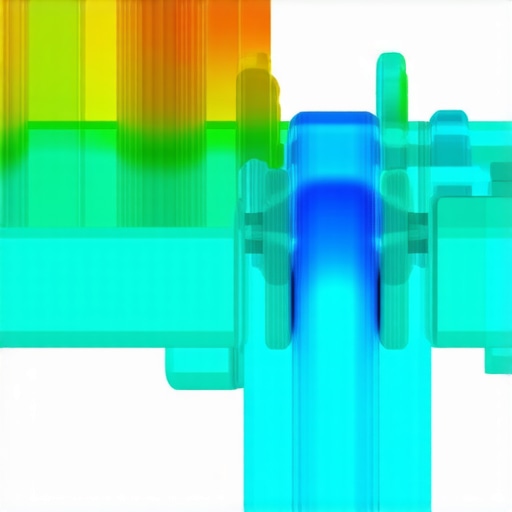
Experts advocate for the deployment of multi-phase airflow paths complemented by strategic ducting and bespoke shrouding to channel heat away from critical zones. Employing Computational Fluid Dynamics (CFD) simulations—more sophisticated than routine airflow checks—helps visualize and optimize these pathways, reducing turbulence and hotspots. Additionally, integrating liquid cooling loops with dedicated radiators for specific subsystems decreases their thermal footprint, preventing heat accumulation that hampers overall system stability. These layered solutions exemplify the multilayered approach necessary to sustain demanding workloads across high-tier configurations.
Innovative Use of Airflow Barriers and Partitions for Targeted Cooling
Introducing physical barriers such as shrouds, partitions, and baffles within the case architecture allows precise control over airflow directionality. This technique ensures that high-heat-generating components receive dedicated, high-pressure airflow while minimizing cross-contamination of cool and hot zones. Properly designed partitions can also reduce turbulence, leading to quieter operation and more consistent thermal performance. The strategic placement of these elements transforms case airflow dynamics, elevating cooling efficiency beyond conventional fan placement strategies.
Harnessing Smart Sensor Arrays for Real-Time Thermal Management
Embedding an array of high-precision temperature sensors throughout the chassis enables sophisticated thermal mapping. When integrated with intelligent control algorithms, these sensors facilitate dynamic adjustments—such as modulating fan speeds, activating liquid cooling pumps selectively, or triggering alarms for overheating. This granular oversight is indispensable for overclocked systems or configurations with fluctuating workloads. Leveraging such sensor networks empowers builders to transition from reactive to predictive cooling management, a hallmark of expert-level systems.
Optimizing Coolant Flow in Custom Liquid Loops with Advanced Fluid Dynamics
In complex water-cooling systems, understanding and harnessing fluid behavior is essential. Employing principles like turbulent versus laminar flow and pressure gradient management can prevent flow restrictions, cavitation, and uneven heat transfer. CFD modeling stands as an indispensable tool, allowing designers to simulate coolant movement, identify potential stagnation zones, and refine pipe layouts before physical assembly. Incorporating features like variable pump speed controllers and strategically placed flow restrictors further refines the system’s efficiency, ensuring maximum thermal performance with minimal noise and vibration.
How can CFD simulations revolutionize the design process of high-end cooling loops, and what practical steps should experts follow when integrating these tools into their workflow?
CFD simulations offer unparalleled insight by visualizing coolant flow paths, temperature distribution, and pressure drops, enabling precise optimization of component placement and tubing configurations. To leverage these tools effectively, experts should start with accurate system models, incorporate realistic boundary conditions, and iteratively test different configurations. Commercial CFD software like ANSYS Fluent or open-source alternatives such as OpenFOAM provide customizable environments for simulation. Post-processing analysis informs design tweaks, reducing trial-and-error and ensuring system robustness. Adopting CFD-driven design methodology elevates the craftsmanship of custom loops, pushing performance boundaries while ensuring reliability under rigorous conditions.
Expert Insights & Advanced Considerations
Hybrid Approaches Elevate Thermal Management
Blending traditional air cooling with liquid cooling solutions offers a nuanced approach, enabling high-performance systems to maintain optimal temperatures across diverse workloads. Such hybrid methods facilitate targeted heat dissipation, ensuring critical components like CPUs and GPUs operate within safe thermal envelopes while optimizing noise levels.
Precision in Thermal Interface Application Drives Longevity
Meticulous thermal paste application—employing recommended spread techniques and material choices—can dramatically reduce thermal resistance. Emphasizing consistency and cleanliness during application ensures sustained thermal transfer efficacy, especially important during overclocking or prolonged high-load scenarios.
Environment Control Is Non-Negotiable
External ambient conditions significantly influence internal system temperatures. Implementing controlled airflow environments, employing thermally insulated enclosures, and monitoring room climate are critical practices that supplement internal cooling mechanisms, safeguarding performance stability.
Advanced Mounting Techniques Unlock Cooler Potential
Innovative mounting strategies, such as reverse airflow or diagonally positioned fans, challenge conventional wisdom. These methods can reduce turbulence, improve static pressure, and enhance overall thermal efficiency when executed with precision, often yielding tangible performance gains.
Smart Monitoring Enables Proactive Maintenance
Deploying multi-sensor arrays coupled with real-time analytics permits early detection of thermal anomalies. Such proactive monitoring allows for dynamic adjustments, minimizing thermal stress and extending component lifespan without manual intervention.
Curated Expert Resources
- Innovations in Air Cooler Designs: A deep dive into cutting-edge configurations that maximize airflow and cooling efficiency.
- Top AIO Liquid Coolers of 2025: Expert evaluations and recommendations for maximizing liquid cooling performance.
- Thermal Paste Optimization Techniques: Proven methods for superior thermal interface management.
Final Word from a Cooling Connoisseur
In the realm of PC cooling, advancing beyond standard practices involves a balanced integration of innovative techniques, environmental awareness, and meticulous implementation. Mastery of these aspects ensures not only peak performance but also long-term system reliability. The pursuit of thermal excellence is an ongoing journey—one that rewards those willing to explore, experiment, and refine their approach. Engage with expert communities, stay abreast of emerging technologies, and continually challenge your assumptions. The future of high-performance computing depends on your commitment to cooling smartly and innovatively.